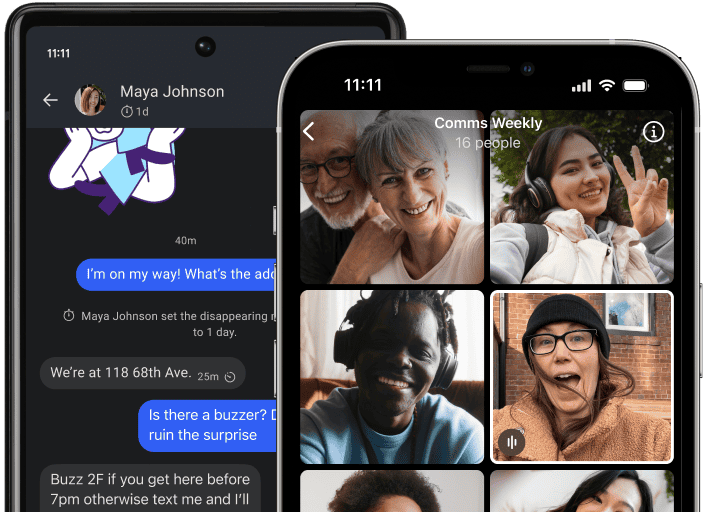
Choose Android, iPhone, Windows, or Mac
Select the version that matches the device you are using. Mobile installation starts on the phone or tablet, while desktop installation is for a computer you want to link.

Choose Signal for Android, iPhone, Windows, or Mac, then follow the setup path for your device. Mobile devices can register or link during setup, while Signal Desktop connects to Signal already running on your phone.
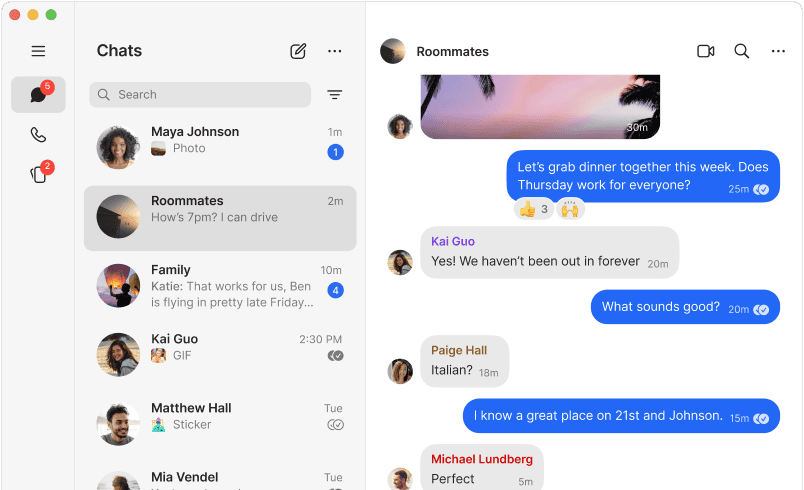
On Android or iPhone, install Signal and follow the setup instructions shown in the app. On Windows or Mac, install Signal Desktop after Signal is already working on your phone, then link the computer by scanning the QR code from Signal on your primary mobile device.

The setup process depends on whether you are installing Signal on a mobile device or adding Signal Desktop to an existing account.
Select the version that matches the device you are using. Mobile installation starts on the phone or tablet, while desktop installation is for a computer you want to link.
Complete the installation, open the app, and follow the prompts shown on your device. Mobile setup handles registration or linking; desktop setup displays a QR code for device linking.
For Windows or Mac, open Signal on your phone, go to Linked Devices, and scan the QR code shown by Signal Desktop. Desktop registration by itself is not supported.
Signal requires iOS or iPadOS 15 or later. Install the app, open it, and follow the registration or device-linking instructions for your Apple device.
Signal requires Android 6.0 or later. Use a stable internet connection and enough available storage to complete the download and installation.
Signal Desktop supports 64-bit Windows 10 and Windows 11. Signal must already be installed and working on your Android phone or iPhone before linking the computer.
Signal Desktop supports macOS 13 or later. After installation, link the Mac to Signal on your phone instead of creating a separate desktop registration.
Install Signal on your mobile device, or add Windows or Mac as a linked desktop after your phone is ready.
Go to download